


Want to use your own custom GIFs on Instagram but don’t know where to start? Let me tell you everything!
Using GIFs that match your brand identity is a game-changer for standing out in Stories. Unlike generic GIFs, these animated stickers boost your professionalism and allow your audience to truly engage with your visual universe.
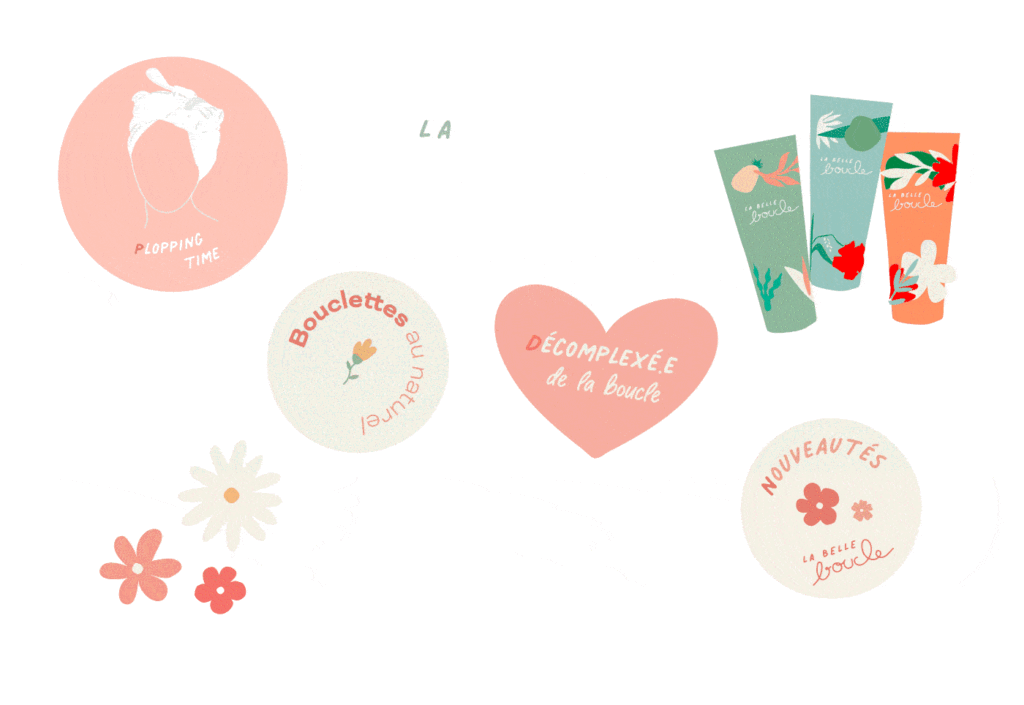
First, you’ll need at least 5 GIFs to start the process. I personally create my animations on Photoshop (for color transitions) and After Effects (for complex movements). You can also use Canva or Procreate.
Emilie’s Tip: Your files must have a transparent background. This is what turns a regular GIF into a “Sticker.” Without transparency, Instagram won’t let you overlay them on your photos or videos.

If you’d rather delegate this to a graphic designer for a pro result, I can handle everything for you.
Once your designs are ready, it’s time to head to GIPHY, the global database used by Instagram, Facebook, and WhatsApp.
But there’s a catch: for your GIFs to be public and searchable by everyone, you need a Brand Channel.
Upload your first 5 GIFs to your account.
Complete your profile 100%: Add a profile picture, a business description, and links to your website and social media.
Apply for a Brand Channel: Go to the official application page and click “Apply for a Brand Channel”.
Then, be patient! Approval usually takes 2 to 3 weeks. If your content follows GIPHY’s guidelines, you’ll be in!
Once your account is validated, you’ll get a confirmation email. That’s where the fun begins! You can now upload as many stickers as you want.
SEO Tip for your GIFs: To find them in seconds, use specific tags. I recommend using your brand name as your primary keyword.
For example, if you type “emsystudio” in the Instagram sticker search bar, you’ll find my creations! I also create seasonal tags like “emsysummer” or “emsyxmas” to keep my collections organized.
Ready to make your brand shine in Stories? The process might seem long, but the impact on your brand image is worth it. If you want to save time and get high-quality animations without the technical headache, let’s talk!
J'utilise des cookies pour améliorer la navigation et analyser les visites. En acceptant, tu m'aides à rendre le site encore meilleur. Tu peux modifier tes préférences à tout moment.